Regular price £19.99
Free Next Day Delivery
Direct from the Brand
UK Customer Support
Support
VBRM16-01
VBRM16C2-01
VBRM16-BM
Discover all you need to know about the OcuMow® Drop and Mow robotic lawnmower and whether this is the right robot for your garden. Learn how to set up, use and update your robot with instruction manuals, user guides, videos and FAQs.

May 2025
New firmware update released for OcuMow 16 models with 2024/2025 HDR cameras
This firmware applies only to OcuMow 16 models with 2024/2025 HDR Cameras.
These cameras can be identified easily by checking the shape of the white rim around the lens. The HDR camera has the shape as shown below, a white circle with lugs on either side. Non-HDR cameras will have a simple white ring.

Please do not use this firmware update on models with a circular shaped white rim. The update is not compatible with these models.
Please download the firmware updates from this WeTransfer link:
https://we.tl/t-VnBWDX3KqP
Install the updates, one by one, using the instructions in the section below - “To Update the Firmware”
Please install the updates in the following order, one at a time. Do not change these filenames or the mower system will not recognise the updates.
If you have any difficulties or require any advice on carrying out this update, please contact Cleva customer services at support@cleva-uk.com.
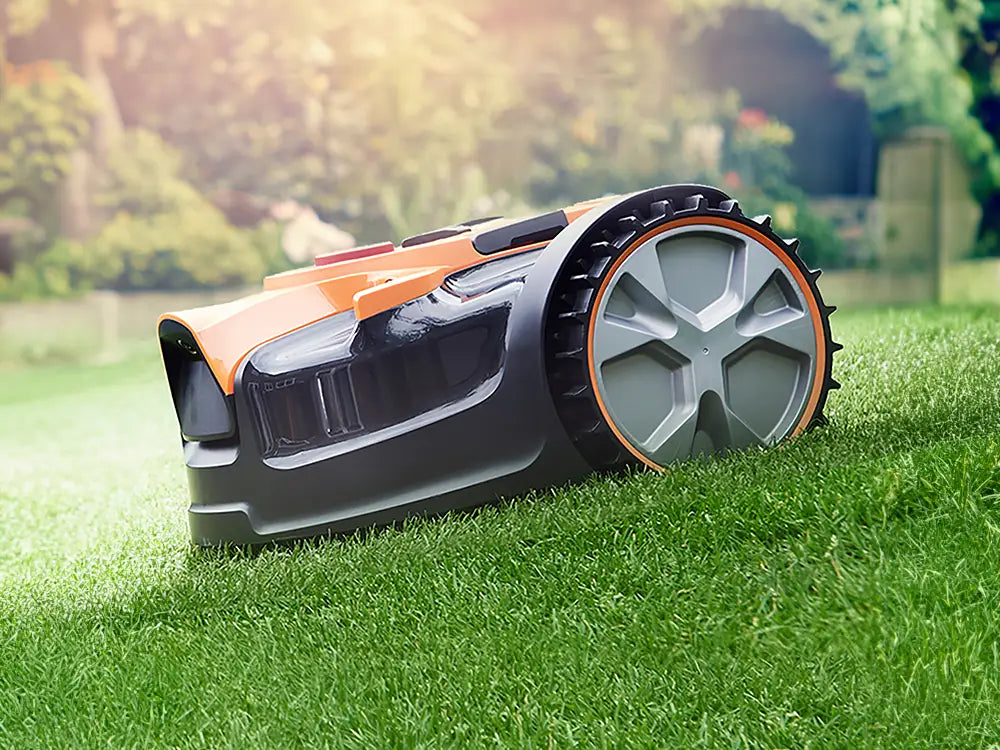
LawnMaster OcuMow® VBRM16 robot mower arrives fully assembled. Watch the video below to discover all you need to know about starting and running your robotic lawn mower.
The VBRM16 OcuMow® is very simple to operate. It uses a camera combined with two ultrasonic sensors to navigate independently around your garden. The camera detects the difference between surface textures and colours, for example grass or paving, and the ultrasonic sensors detect obstacles higher than 6cm, such as plants, garden furniture, walls and fences meaning there is no need for a boundary wire.
To keep the mower within the lawn area, your lawn must be bordered on all sides by a hard, visually distinctive border. This can be a flat border of paving, gravel or wooden boards, or a raised edge such as border edging, walls or fences. The mower can detect some edges that are not distinctive however for best and correct operation making your borders clearly defined will improve edge detection and allow the robot to work correctly.
Watch the video in the Setting Up section above or follow these steps for a quick overview:
Step 1:
Trim your lawn edges with a grass trimmer so that the mower can see the edges well and isn’t stopped by any longer grass. If your grass is fairly long, it’s a good idea to start the mower at a higher height of cut for the first mow and adjust it down on subsequent mowings.
Step 2:
Check that the lawn surface is clear of any tools, sticks, stones, toys and other obstacles which may damage the blades or undercarriage.
Step 3:
Remove the battery from the charger and insert it into the mower. Insert the safety key.
Step 4:
Press the On/START button and wait for the battery indicator to turn green and the mower to beep. This gives the camera time to warm up and any attempts to start the mower sooner will result in an error. Once the mower has beeped, long press the Automow button and then press START. The mower will begin to mow in a random pattern and will continue to mow until it runs out of charge.
Spot Cut Function:
If the mower has missed any patches of lawn, these can be cut using the spot cut function. To use this function, make sure the machine is powered on. Place the mower on the patch to be cut and long press the spiral button, then press START.
The mower will cut in a spiral out from where it was placed on the lawn cutting any remaining grass it may have missed.
Step 5:
When the mower has finished, remove the battery and place it back on charge for next time. Clean the mower underside with a clean, dry brush, and store in a dry place.
The mower should only be used in the daytime so that the camera can easily see the lawn surface, and should be placed into storage between uses.
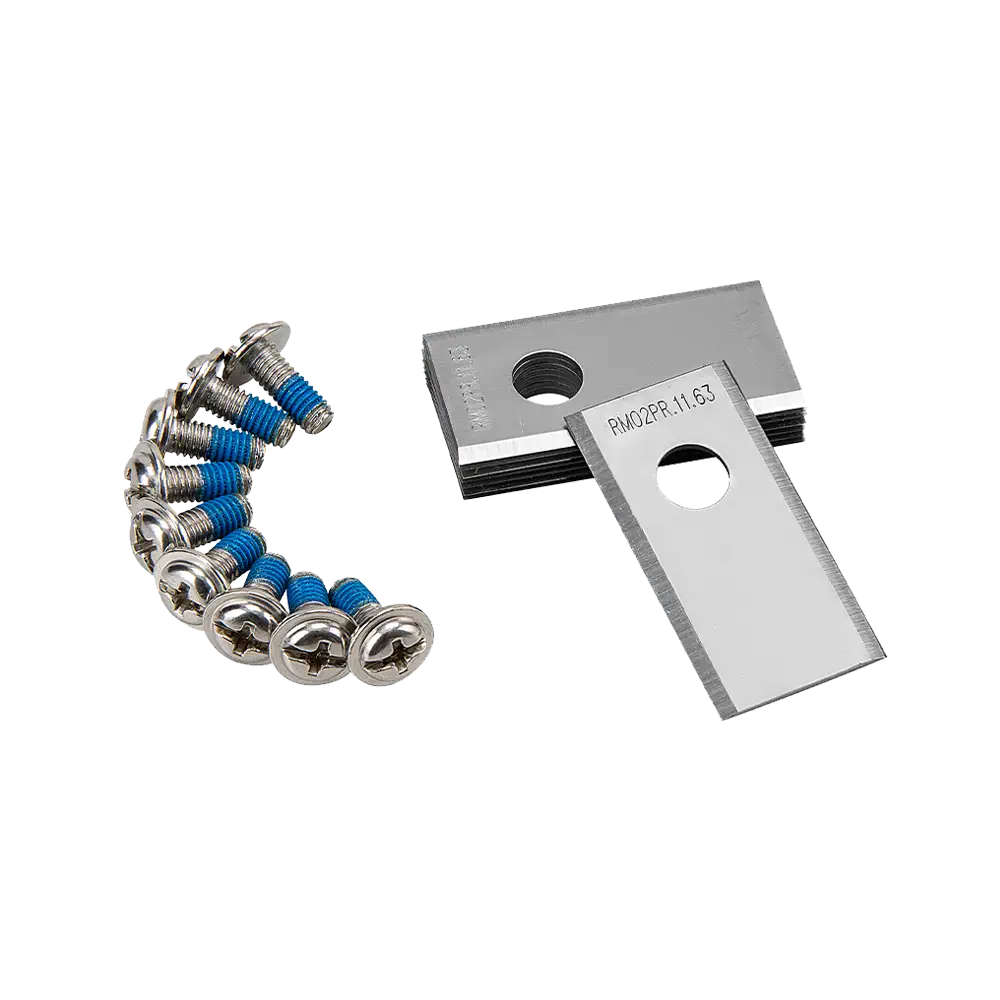
Genuine LawnMaster accessories and spare parts for your machine.
Regular price £19.99
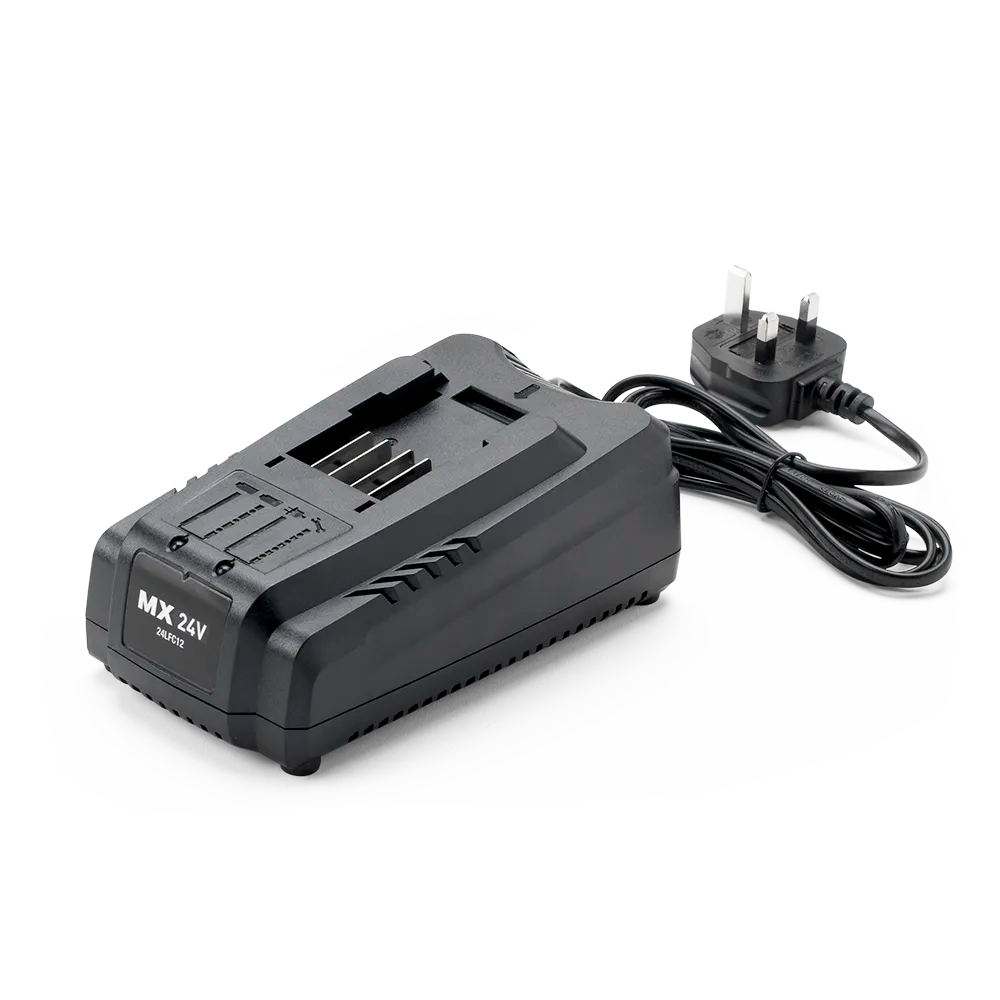
Regular price £39.99
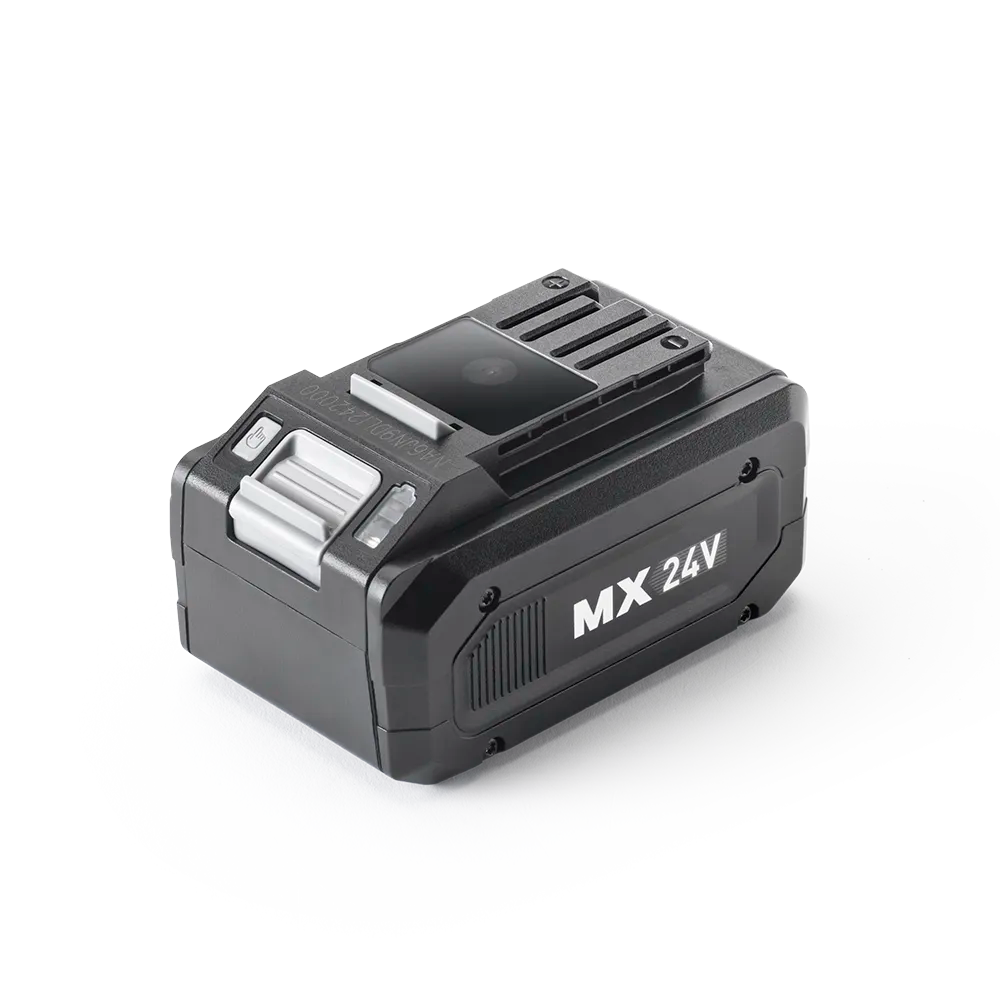
Regular price £59.99
We stock a wide range of spare parts if you'd like to repair your machine, rather than replace it. If you can't find the part you are looking for in the accessories section above, please get in touch with us. For safety, certain parts may not be available individually, but as part of a combined unit.
FAQ
VBRM16 OcuMow® will cut in a random pattern for up to 4 hours* which covers lawns up to 150m².
*Additional batteries can extend running time (sold separately). Battery duration depends on lawn conditions.
VBRM16 OcuMow® works best with visually distinctive borders. If your lawn has edges that are not visually distinctive, for example:
1) borders which may have grass-like low growing plants
2) borders which have many weeds growing in them
3) mossy or weedy gravel or wood chippings
4) paths which have grass or weeds growing through gaps
The mower may mistake these areas for lawn and try to mow in these areas. Try to ensure that paths and borders are free from weeds and have a clear contrast or raised edge.
This happens when VBRM16 OcuMow® is unable to detect grass.
If the lawn is brown or patchy, the camera may not recognise it as grass.
Move the mower to an area where grass is clearly present.
The grass is cut using three small sharp blades and the clippings are returned to the lawn surface where the nutrients contained in them fertilise the soil.
This means stronger, healthier grass with less need for supplemental fertiliser, and has the added bonus of helping the lawn retain water in dry periods. It also means there is no grass clippings to dispose of or compost.
Provided that the mower is used regularly, the grass clippings are not visible to the eye.
Yes, VBRM16 OcuMow® is supplied with one detachable MX 24V lithium-ion battery.
Every MX 24V battery is fully compatible with the LawnMaster MX 24V cordless range, including lawn mowers, hedge trimmers, grass trimmers and leaf blowers.
Choose from cutting heights of between 20mm and 60mm for a neat looking lawn by adjusting the dial on the top of
VBRM16 OcuMow®.
For best performance and to encourage healthy lawn growth use 60mm for longer grass and after regular mowing, gradually reduce the cutting height to your desired length.
It is possible to use VBRM16 OcuMow® on lawns with a pond, however it is strongly recommended that the pond is surrounded by a raised barrier to safeguard against the mower falling in.
We recommend either a raised edge or a paved/gravel border at least 75cm wide surrounding the pond.
Water damaged mowers are not covered under guarantee.
This could be due to the battery being empty, or could be due to low light levels meaning the mower's camera could not detect the lawn.
Try charging the battery and putting VBRM16 OcuMow® out again the next day.
VBRM16 OcuMow® cuts in a randomised pattern and will take up to 4 hours to cover 95% of a 150m2 lawn.
This 4 hour running time is based on the mower removing only a small amount of grass at a time. If the lawn is long and the cutting height has been set low, the battery will run down quicker.
For best results, choose a higher cutting height and gradually reduce it. This will result in a more gradual cut but will be less noticable to the eye, and also maximise the cutting duration.
Larger lawns will take longer to cut and may remain patchy for longer, as the robot takes longer to cover all areas. On larger lawns the robot may need to be put out more often to for best coverage.
Check the blades are not worn and replace them when they are dull.
VBRM16 OcuMow® navigates the lawn using a camera, and will stop approximately 20cm away from the edge of the lawn for safety reasons.
Depending on the angle the mower approaches the edge of the lawn, it may get slightly closer than this.
To tidy the edges, a grass trimmer (not supplied) is required.
LawnMaster MX 24V Grass Trimmers are compatible with VBRM16 OcuMow® and can be purchased without a battery, allowing you to fit the mower battery to the trimmer.
No, VBRM16 OcuMow® is not compatible with No-Go magnetic strip.
VBRM16 OcuMow® works with our MX 24V 4.0Ah battery.
The mower will cover 150m² on a single charge.
Lawn coverage can be increased with additional batteries (sold separately).
Unlike traditional robots VBRM16 OcuMow® is designed to Drop and Mow.
The mower is designed to be placed on the lawn once or twice a week and will mow for up to 4 hours on a single charge covering 150m2.
The mower should be stored away in a dry place between uses.
Learn
5 Min Read

3 Min Read

3 Min Read
Support
We’re here to empower you with the knowledge and solutions to make the most of your machine, and to support you when you just need a helping hand. Our friendly, UK based, customer service team are here to help.
This LawnMaster appliance, spare parts and accessories carry a 2-year guarantee.
Free and Fast Delivery:
We offer free delivery on all UK mainland orders* and free next working day delivery on all orders that include an appliance.
Orders for spare parts and accessories are despatched via a 48hr standard delivery service.
* Delivery charges apply for addresses in the Channel Islands, Northern Ireland, Isle of Scilly and Man.
Returns:
We hope that you are happy with your purchase but if that's not the case, unused, undamaged products can be returned for a refund within 30 days of receipt.
Our aim is to keep it personal. Our friendly UK based customer service team are there if you need a helping hand.
Sign up to our mailing list and get 10% off your next purchase (maximum discount £20), plus access to exclusive benefits including: