Regular price £19.99
Free Next Day Delivery
Direct from the Brand
UK Customer Support
Support
VBRM18AMIDR-01
Discover all you need to know about the OcuMow® 18 robotic lawnmower and whether this is the right robot for your garden. Learn how to set up, use and update your robot with instruction manuals, user guides, videos and FAQs.
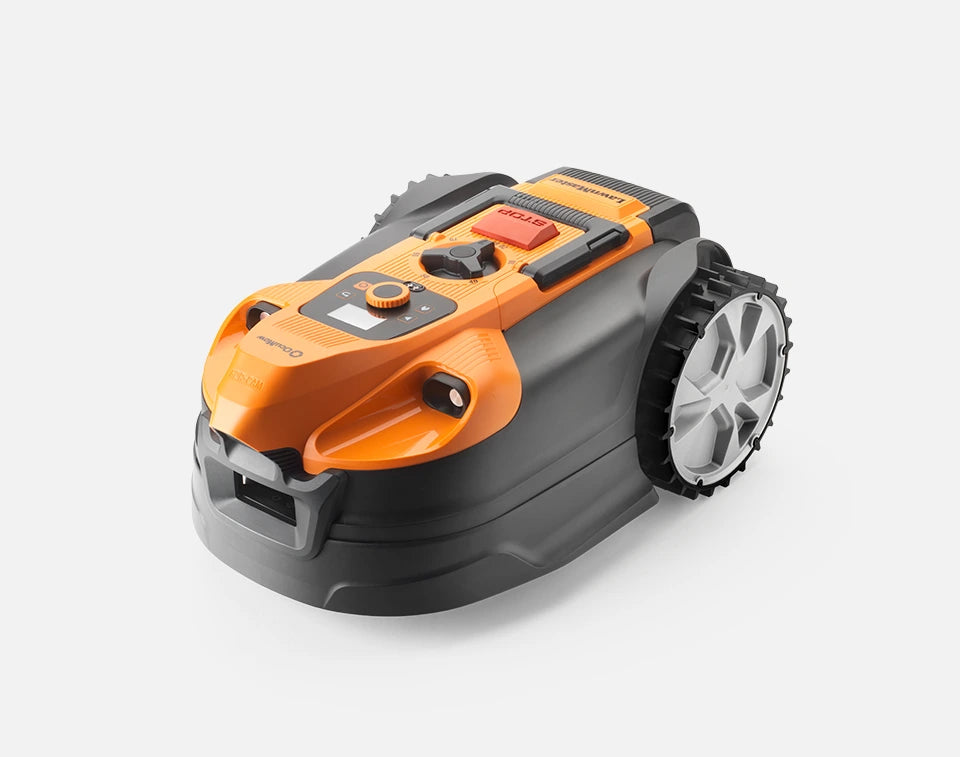
What you need to know about how OcuMow® 18 navigates gardens.
How to Install the LawnMaster OcuMow® 18 Autocharging Vision Robot Mower Plug-and-Play Charging Station.
How to Operate LawnMaster OcuMow® 18 Autocharging Vision Robot Mowers:
How to Connect your LawnMaster OcuMow® 18 Autocharging Vision Robot Mower to the Mobile App:
Watch the videos above and/or use this quick set-up check list to make sure your mower is correctly set up and ready to go.
Ensure your charging station is positioned correctly. Check that:
1) The charging station is not on a slope. This may affect the way the mower identifies the orange guide strips on the charging station or cause the pivoting front wheel to change direction unexpectedly
2) The changing station is not in a corner. The mower will periodically mow around the sides and front of the charging station to keep it clear of grass. If the charging station is in a corner, it may not be able to complete this action without becoming stuck.
3) The charging station is positioned at 90 degrees to the edge of the lawn. Unlike some other robot mowers, the charging station should not be positioned parallel to the edge of the lawn. The entrance to the charging station should be facing into the lawn.
4)The back of the charging station is against the edge of the lawn. This will reduce any potential for uncut grass to grow around the power connection.
When you’re happy with the position of the charging station, put the mower on the charging station to charge and check that:
1) The mower date and time are correct. In order for the mower to mow according to the schedule, the time and date should be checked to ensure they match the local time.
2) The mower is set to your desired height of cut. Try not to cut the grass too short too quickly. Either mow it a shorter length using a push mower first or select a higher height of cut on the robot mower and reduce it gradually over the course of one to two weeks.
3) The mower is successfully connected to the GPS signal. The mower uses GPS to find the approximate location of the charging station. This may take a few minutes and will happen automatically as the mower sits on the charging station and charges for the first time.
For the best performance and latest features, keep your OcuMow® 18 robot mower firmware up to date.
We don’t have any firmware updates available right now. Please check back later.
Genuine LawnMaster accessories and spare parts for your machine.
Regular price £19.99
Regular price £59.99
Out of Stock
Regular price £39.99

Regular price £59.99
Out of Stock

Regular price £19.99

Regular price £14.99

Regular price £59.99
We stock a wide range of spare parts if you'd like to repair your machine, rather than replace it. If you can't find the part you are looking for in the accessories section above, please get in touch with us. For safety, certain parts may not be available individually, but as part of a combined unit.
Explore
Here are some handy how-to guides to help you keep your OcuMow® 18 Robot Lawn Mower performing at its best.
Open the links below to view the guides.
Watch this video for support with connecting your OcuMow® 18 Robot Lawn Mower to the mobile app.
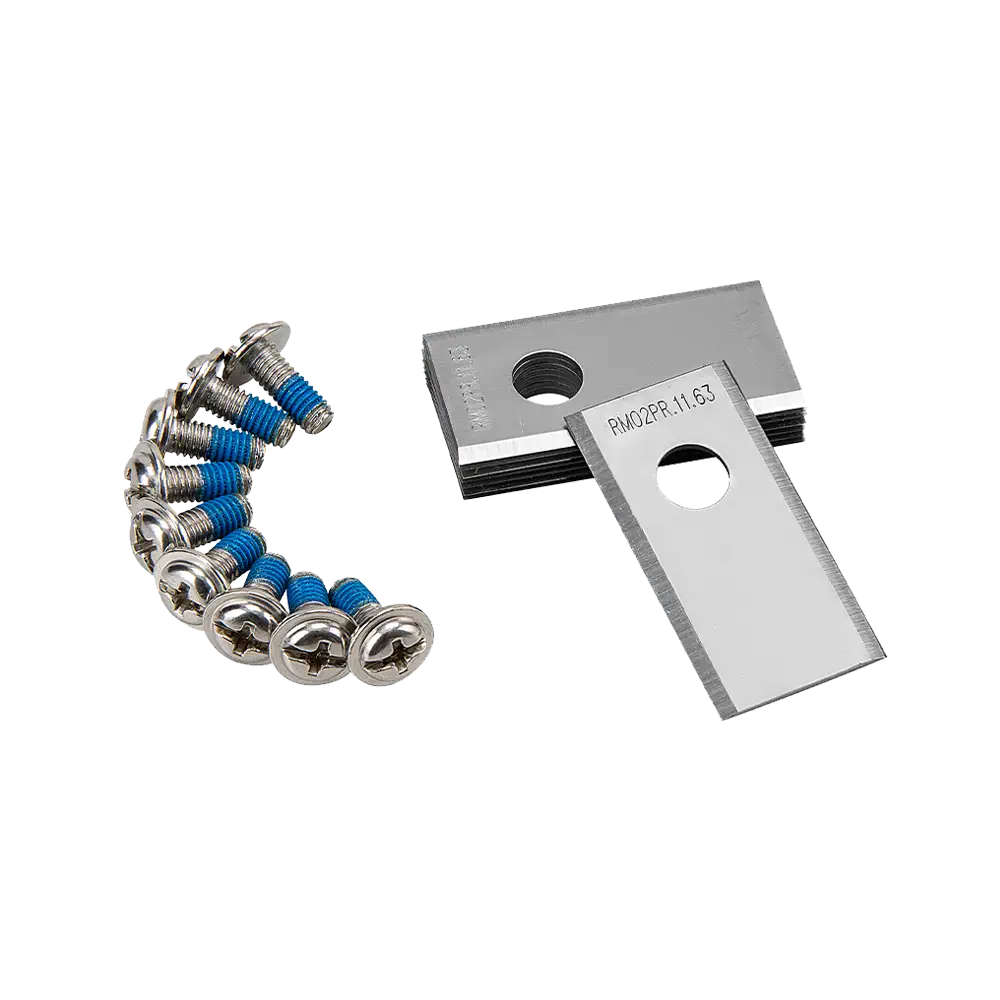
Read this guide for support with changing the blades on the OcuMow® 18 Robot Lawn Mower.
Read this guide for support with setting a cutting schedule on the OcuMow® 18 Robot Lawn Mower.
Read this guide for support with setting the PIN code on the OcuMow® 18 Robot Lawn Mower.
Read this guide for support with turning the ultrasonic sensors on and off on the OcuMow® 18 Robot Lawn Mower.
FAQ
Time and Date: Please ensure that the time and date are set correctly according to the local time zone. Please note that OcuMow® 18 can only work during daylight hours. The mower will dock automatically between sunset and sunrise. If the scheduled time you have selected falls outside of the sunrise and sunset times shown at the top of the schedule screen, the mower may not operate for the full duration of the schedule.
Rain Sensor: Rain may disrupt the schedule if the rain sensor is activated. Allow the rain sensor to dry or turn off the rain sensor.
Mower is on Standby: If OcuMow® 18 was sent home using the “Home” button or stop button was pressed while the mower was on the charging station to pause charging, the mower will be on standby and will not resume the schedule. Please restart the mower from the charging station when you are ready for it to resume a schedule.
Please check that the charging station is set up according to the set up instructions.
Ensure that the orange strips are clearly visible to OcuMow® 18.
Ensure the charging station is set up on flat ground. If the charging station is set up on a slope, this may affect the visibility of the orange strips.
Ensure the charging station is positioned 90 degrees to the edge of the lawn, with the entrance to the station facing into the lawn.
This can occur in the first week or two of running a random cutting pattern mower, however this will even out over time to leave a beautiful finish and healthy grass.
To make uncut grass much less obvious from first install, it is advisable to first cut the grass with a push lawnmower to the desired length, then let OcuMow® 18 maintain it. If this is not possible, it is recommended to raise the robot mower height of cut to lightly trim the grass. The height of cut can be reduced daily over a period of one to two weeks until the grass is the desired length.
It is not advisable to cut more than 20mm of the grass length with OcuMow® 18 (e.g. do not try to cut 60mm long grass down to 20mm). This will affect the battery run time and cause build-up of grass clippings on the underside of the mower. The lawn may also look uneven.
As OcuMow® 18 becomes established in a schedule, the grass will become a uniform length.
OcuMow® 18 works best with visually distinctive borders. If your lawn has edges that are not visually distinctive, for example:
1) borders which may have grass-like low growing plants
2) borders which have many weeds growing in them
3) mossy or weedy gravel or wood chippings
4) paths which have grass or weeds growing through gaps
OcuMow® 18 may mistake these areas for lawn and try to mow in these areas.
Try to ensure that paths and borders are free from weeds and have a clear contrast or raised edge.
The mower is supplied with 10m of magnetic No Go strip which can be used to prevent the mower entering certain areas. Use the magnetic strip in areas which may be identified as lawn.
OcuMow® 18 has an on-board GPS sensor which it uses to get close to the base station. Once the mower is close to the station, it uses the camera to navigate back on to the dock.
If OcuMow® 18 cannot get a clear GPS signal, navigating back to the charging station will take longer. The mower must be started for the first time from the charging station, to enable to mower to learn the location of the charging station.
The mower may take up to 3 minutes to position correctly, the GPS indicator will flash during this time. If the mower cannot connect successfully to GPS, move the charging station to an area away from tall buildings and trees.
Do not position the charging station in between buildings or under metal covers.
This happens when OcuMow® 18 is unable to detect grass.
If the lawn is brown or patchy, the camera may not recognise it as grass.
Move the mower to an area where grass is clearly present.
The grass is cut using three small sharp blades and the clippings are returned to the lawn surface where the nutrients contained in them fertilise the soil.
This means stronger, healthier grass with less need for supplemental fertiliser and has the added bonus of helping the lawn retain water in dry periods. It also means no grass clippings to dispose of or compost.
Provided that OcuMow® 18 is used regularly the grass clippings are not visible to the eye.
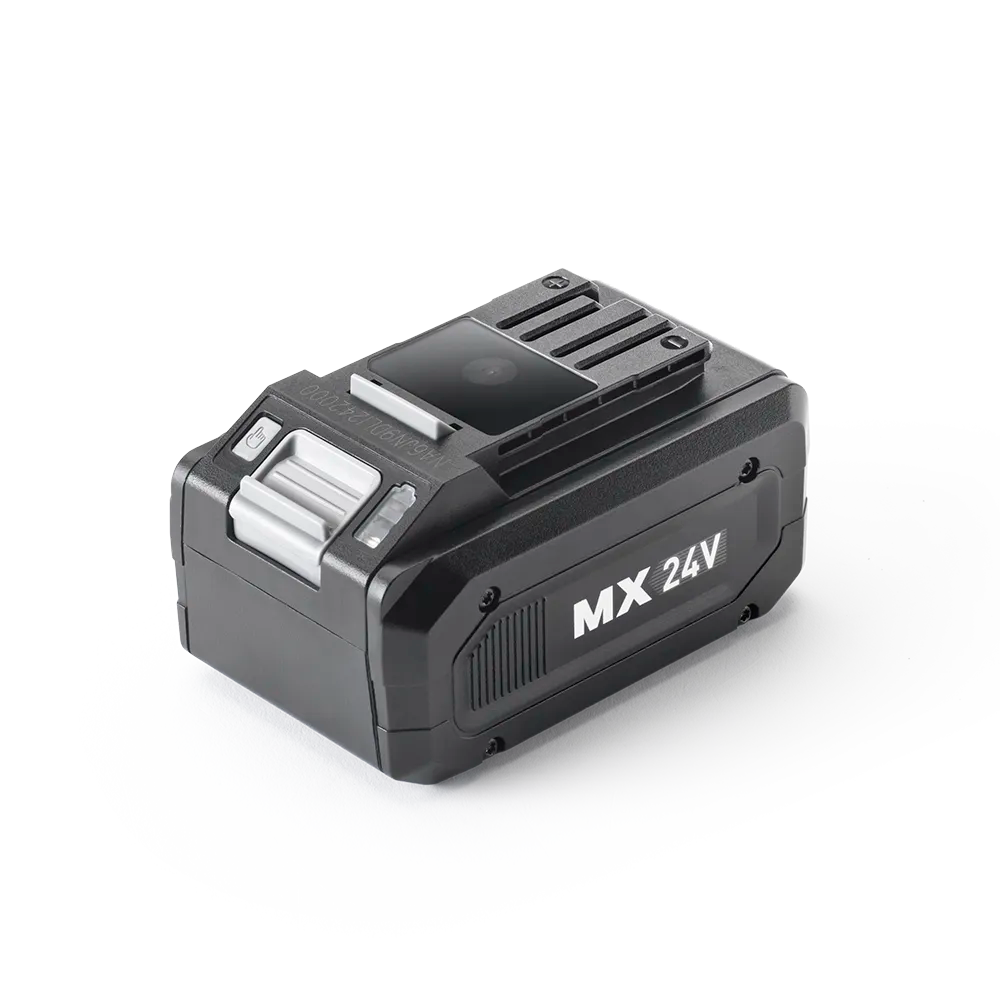
Yes, OcuMow® 18 is supplied with one detachable MX 24V lithium-ion battery.
Every MX 24V battery is fully compatible with the LawnMaster MX 24V cordless range, including lawnmowers, hedge trimmers, grass trimmers and leaf blowers.
Choose from cutting heights of between 20mm and 80mm for a neat looking lawn by adjusting the dial on the top of OcuMow® 18.
For best performance and to encourage healthy lawn growth use 60mm for longer grass and after regular mowing, gradually reduce the cutting height to your desired length.
It is possible to use the OcuMow® 18 on lawns with a pond, however it is strongly recommended that the pond is surrounded by No-Go magnetic strip, or a raised barrier to safeguard against the mower falling in.
We recommend either a raised edge or a paved/gravel border at least 35cm wide surrounding the pond if no magnetic strip is installed.
Water damaged mowers are not covered under guarantee.
OcuMow® 18 navigates the lawn using a camera, and will stop approximately 20cm away from the edge of the lawn for safety reasons.
Depending on the angle the mower approaches the edge of the lawn, it may get slightly closer than this.
To tidy the edges, a grass trimmer (not supplied) is required.
LawnMaster MX 24V Grass Trimmers are compatible with OcuMow® 18 and can be purchased without a battery, allowing you to fit the mower battery to the trimmer.
Learn
5 Min Read

3 Min Read

3 Min Read
Support
We’re here to empower you with the knowledge and solutions to make the most of your machine, and to support you when you just need a helping hand. Our friendly, UK based, customer service team are here to help.
This LawnMaster appliance, spare parts and accessories carry a 2-year guarantee.
Free and Fast Delivery:
We offer free delivery on all UK mainland orders* and free next working day delivery on all orders that include an appliance.
Orders for spare parts and accessories are despatched via a 48hr standard delivery service.
* Delivery charges apply for addresses in the Channel Islands, Northern Ireland, Isle of Scilly and Man.
Returns:
We hope that you are happy with your purchase but if that's not the case, unused, undamaged products can be returned for a refund within 30 days of receipt.
Our aim is to keep it personal. Our friendly UK based customer service team are there if you need a helping hand.
Sign up to our mailing list and get 10% off your next purchase (maximum discount £20), plus access to exclusive benefits including: